Skills vs tools vs MCP vs agents is not just terminology.
It is an operating design question. If a team confuses these pieces, it will either overbuild a platform for a small workflow or under-design a workflow that actually needs review, state, and integration.
The simplest way to separate them is this:
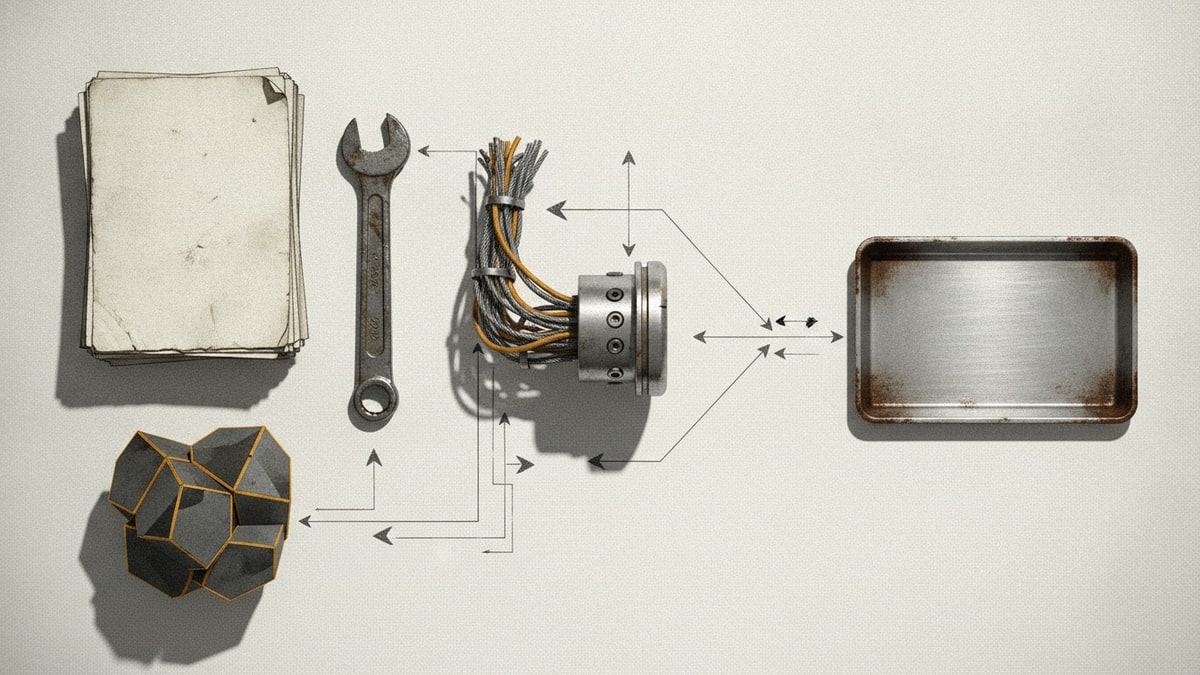
- a skill teaches the agent how to do a repeatable task
- a tool lets the agent take a specific action or call a capability
- an MCP server gives the agent a structured way to reach external context or actions
- an agent is the actor that plans, reasons, invokes skills, uses tools, and reports back
That separation is what keeps AI workflow orchestration from becoming another form of SaaS sprawl.
What skills are for
Skills are best for reusable know-how.
They describe how a task should be performed, when the skill should apply, and what supporting resources the agent can use. GitHub describes agent skills as folders of instructions, scripts, and resources that Copilot can load when relevant. Anthropic's Claude Skills documentation uses a similar filesystem-based model.
Use a skill when the question is, "How should the agent perform this repeated job?"
What tools are for
Tools are best for action.
A tool might search a knowledge base, create a ticket, read a file, call an API, run a validation script, or send a message. It gives the agent a capability that plain language alone cannot provide.
Use a tool when the question is, "What can the agent do?"
What MCP is for
MCP is best for standardized connection.
Instead of wiring every agent directly to every system, an MCP server can expose context and tools through a common protocol. That can be powerful, but it should still be scoped. A sprawling MCP layer can become just as messy as the SaaS stack it was meant to simplify.
Use MCP when the question is, "How should the agent connect to this external system or context source?"
What agents are for
Agents are best for orchestrating work.
An agent interprets the request, chooses a route, loads the relevant skill, calls tools, and returns an outcome. In stronger AI agent workflows, the agent also knows when to stop and ask for human review.
Use an agent when the question is, "Who coordinates the steps?"
Where teams get it wrong
Teams get into trouble when they try to make one layer do every job.
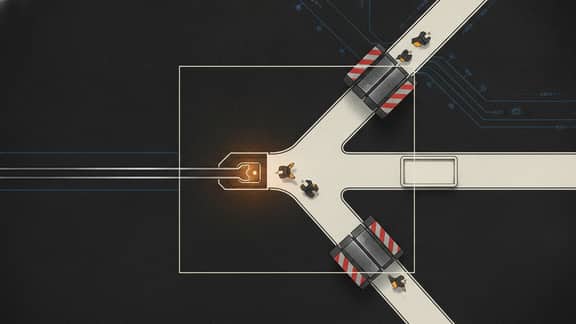
A giant prompt tries to behave like a skill, a tool, and an agent at once. A low-code automation tries to become the whole operating model. An MCP server exposes too much and turns into an unmanaged integration surface. An agent is given broad authority before the review boundary is understood.
That is how AI workflows recreate old platform bloat.
The SwarmCraft operating pattern
SwarmCraft's bias is to keep each layer focused.
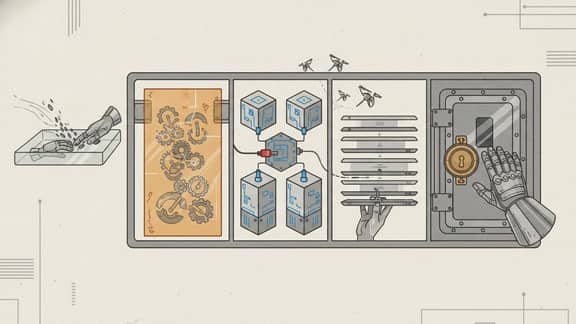
The workflow surface should be small. The packet should define the scoped job. The skill should explain the repeated stage. The tools should do specific work. The human should review the decisions that matter. The system of record should stay where the durable business data belongs.
That is how AI workflows without replacing the system of record become credible.
The practical takeaway
Skills, tools, MCP, and agents are complementary, not interchangeable.
Use skills for reusable workflow expertise, tools for actions, MCP for structured connection, and agents for coordination. Then keep the review boundary visible.
That is the difference between AI workflow governance and a new layer of automation sprawl.
Where to go next
For a concrete skills design process, read How to design an agent skill. For the broader series anchor, read AI agent skills: the new workflow layer.