
3 guides
Start here
Understand what SwarmCraft does and how it turns coordinated AI into owned software.
Compare the available discovery routes and choose the right way to begin.

New to SwarmCraft?
Download SwarmCraft Setup, review the proposed changes, then use the walkthrough to reach a ready VS Code workspace.
Prefer to manage each tool yourself? Use the Manual setup checklist.
Choose a goal
Each guide has one home. Branching tasks offer labeled choices when you reach them.
3 guides
Understand what SwarmCraft does and how it turns coordinated AI into owned software.
Compare the available discovery routes and choose the right way to begin.
5 guides
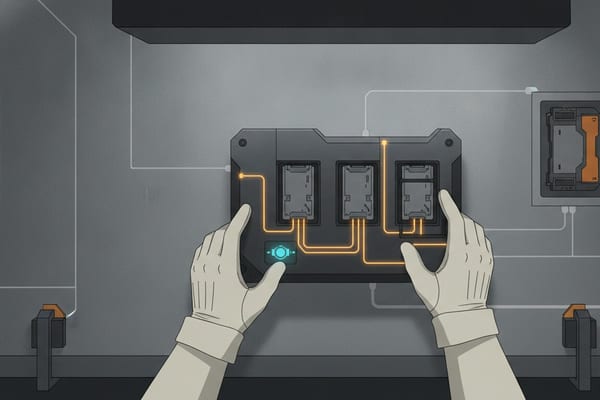
Prepare your machine, account, development profile, and trusted working repository.
Follow the guided Setup path or use the self-managed alternative when needed.

3 guides
Shape a clear project boundary before implementation begins or credits are committed.
Use Fast Start for defined work or Deep Discovery for deeper investigation.
3 guides
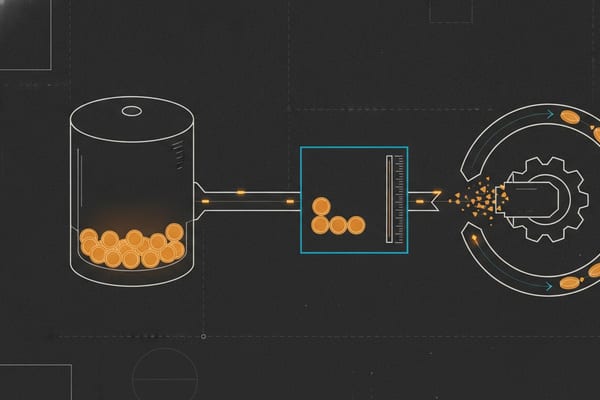
Learn how credits fund project creation and measured generation AI usage.
Review costs, add funds, and approve the exact project you want created.
6 guides
Move from an approved project through implementation, review, deployment, and operation.
Choose VS Code or the CLI while keeping every generated change inspectable.

3 guides
Find practical guidance when setup, delivery, or an account workflow needs attention.
Contact support or review accessibility and keyboard guidance whenever you need it.