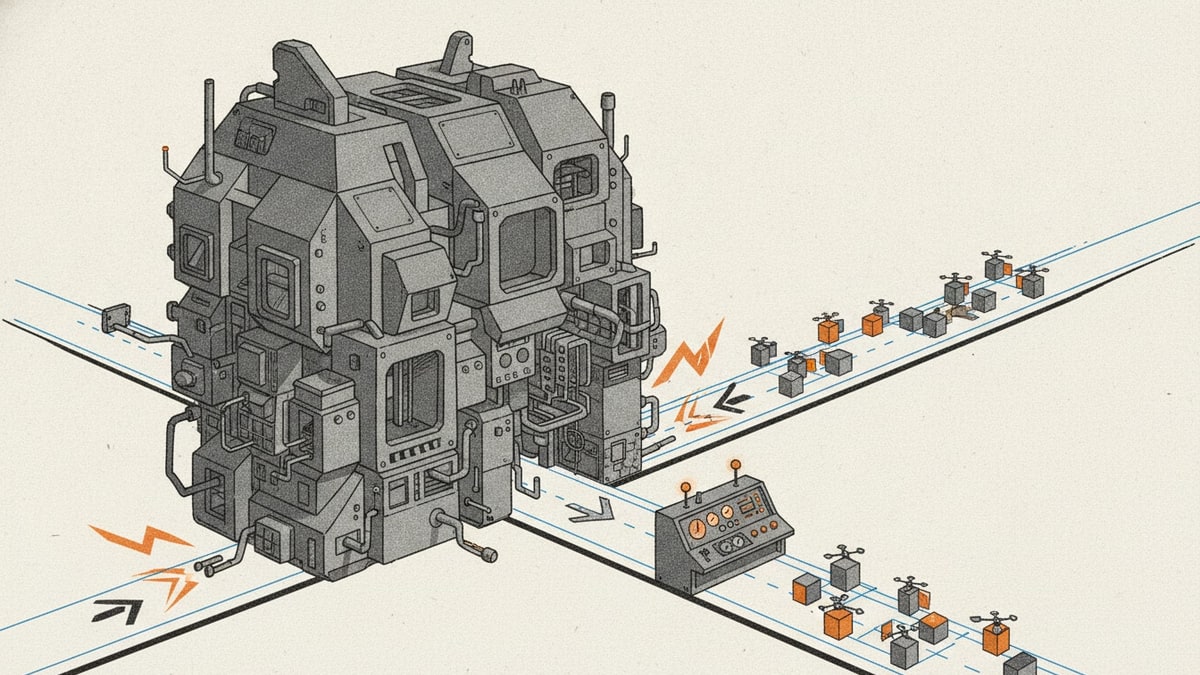
Workflow automation software bloat starts when a team knows exactly which repeated process hurts and still ends up buying a much larger platform than the workflow deserves.
The promise sounds efficient: one automation suite, one builder environment, one place for every workflow. The reality is often another layer of admin, more configuration overhead, and a product the team only partly uses.
Zapier's current platform story is a useful reference point because the market now sells workflow automation through AI, governance, and wide integration breadth, which is exactly why teams can drift from one specific job into broader software bloat.
Where the bloat shows up
The bloat usually appears in approval paths, intake routes, and internal request flows.
The repeated work is small, but the rented product surface keeps expanding around it.
That is how tool sprawl starts inside a category that originally looked like a clean fix.
Why this category is especially vulnerable
Workflow automation tools sell flexibility. That flexibility becomes expensive when the team is only automating one focused process.
That is how a workflow problem turns into another software-spend problem.
What the broader software sprawl really costs
The cost is not only licences. It is rising SaaS costs, higher software total cost of ownership, weaker software visibility, and more time spent connecting too many software tools.
Teams also feel the cost in SaaS spend management and software consolidation work, because nobody can tell which automation still matters and which layer only exists because the workflow boundary stayed vague.
Why the stack keeps getting wider
Software bloat in this category often happens in stages:
- one tool handles the original approval workflow
- another gets added for edge cases or reporting
- another gets added for AI, orchestration, or monitoring
- the team ends up with app sprawl around one repeated process
That is no longer just workflow automation. It is software sprawl with a workflow label on it.
The better question
The better question is not “which platform can do everything?” It is “which workflow actually matters, and how small can the solution be?”
That is what keeps the replacement safe and commercially credible.
What to do next
Start with workflow ownership, not platform breadth.
If the team can name the one approval, routing, or handoff path that matters, it becomes much easier to reduce SaaS costs, simplify software consolidation, and replace only the focused surface that still causes drag.
Where to go next
If you are still comparing products, continue with Best workflow automation software. If the pain is already concrete, continue with Approval workflow: how to automate it.