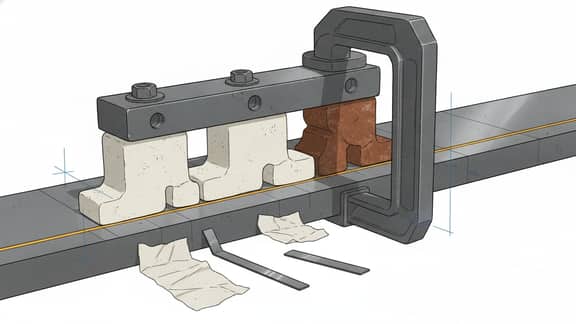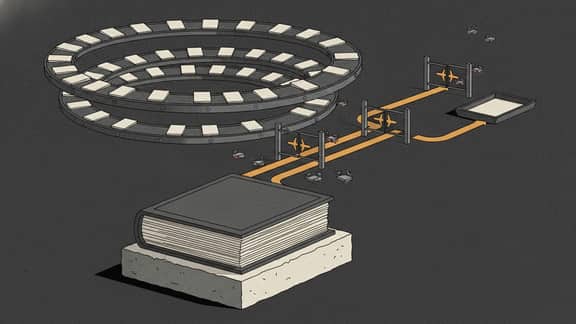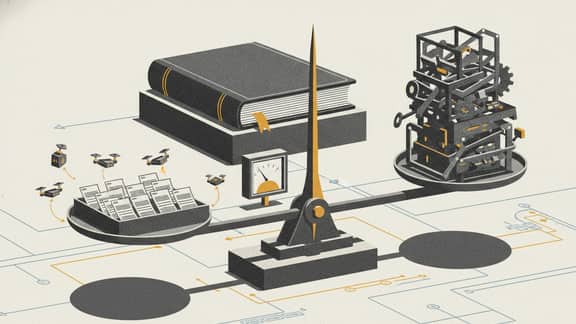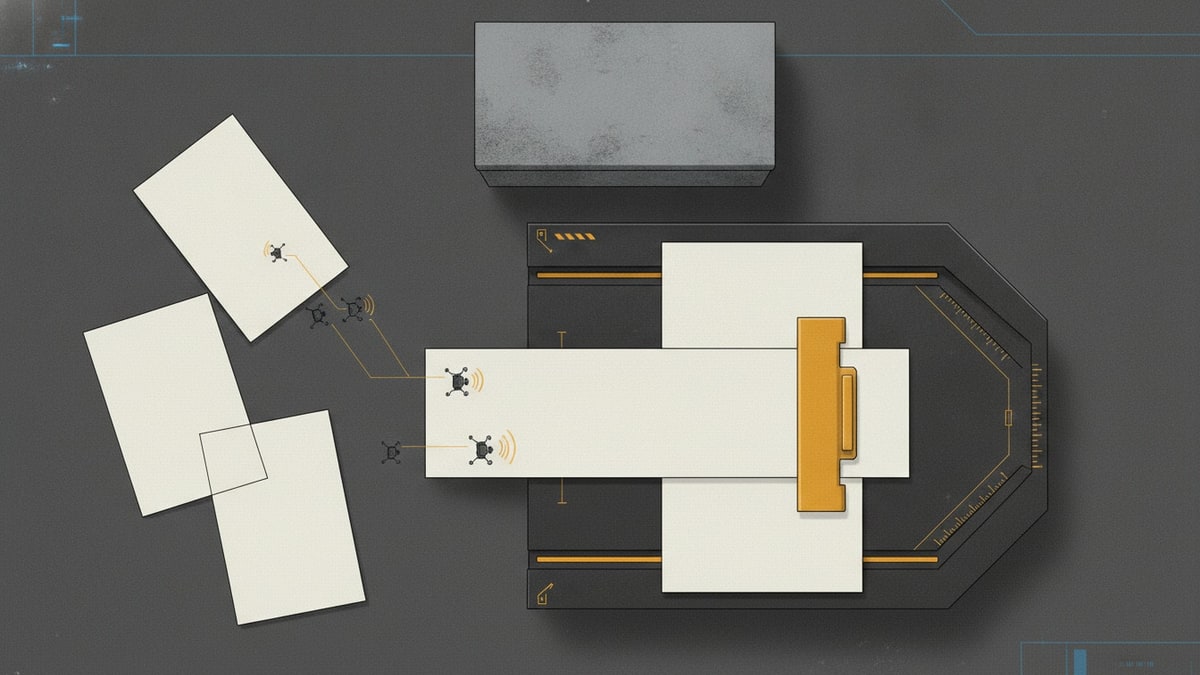
The invoice is in your inbox. The receipt is in a shared folder. The approval status is in a spreadsheet, and the explanation is in someone’s messages.
That spreadsheet started as a useful list. Now it is where everyone goes to work out what happens next.
For week 23 of our case-study series, we built Banksia Invoice Desk for fictional Australian business Banksia Maintenance Services. The aim is to move invoice approval coordination out of spreadsheets and into one owned workspace: documents, recorded details, exceptions and review history together.
The screenshots follow the invoice approval workflow from intake to a saved evidence review, using illustrative documents and authenticated browser actions against a PostgreSQL database.
This is an accounts-payable operation: handling bills from suppliers. Customer invoicing is outside its scope. Xero remains the intended home for the ledger, bill authorisation and payments.

The opportunity is to replace the work coordinated through the spreadsheet while keeping Xero for accounting. The invoice and receipt (evidence that the goods arrived or the service was completed) remain source documents; the application brings them together with the work needed to review them.
Move the invoice approval workflow out of the spreadsheet
A spreadsheet can list an invoice, an amount and a status. As the work grows, someone has to maintain the folder links, colour the exception cells, update the comments and ask whether the latest document has been checked. The workbook becomes another record to reconcile.
Banksia needs each invoice to carry its own explanation. Which source was received? What details were recorded? What needs attention? What did the reviewer actually check?
The proposed invoice approval process gives each responsibility an owner:
| Role | Responsibility in the full operation |
|---|---|
| Finance operator | Capture the invoice, assemble its evidence and prepare the review pack |
| Operations reviewer | Confirm delivery or service evidence for assigned work and explain discrepancies |
| Finance approver | Independently review the exact financial details and approve, reject or return them |
| Bookkeeper | Maintain reviewed accounting mappings and release approved drafts to Xero |
| Administrator | Manage access and recovery without gaining financial approval authority |
The application owns the received documents, case records, review findings and their history. Retaining Xero avoids introducing a second ledger, payment process or financial reporting system merely to improve the work that happens before a bill is ready.
Capture the invoice and receipt together
The intake wizard has three steps: Source documents, Invoice details and Confirm intake.
The operator selects the original invoice and, when available, its receipt or delivery evidence. The current uploader accepts PDF, PNG and JPEG files up to 4 MB. The next step records the supplier mapping, invoice reference, date and total before the operator confirms creation.

For INV-2301, the operator uploads the Coastal Filter Supply invoice and its receipt, then records A$1,650 including tax. The server stores the documents and creates the case. Reloading the application brings that record back from the database.
This replaces adding a spreadsheet row and pasting links to files stored elsewhere. The invoice processing workflow starts with a case that contains its documents and recorded details, ready for the next person to inspect.
Supplier and accounting mappings come from an existing reviewed catalogue. The form does not invite the operator to invent a new account code while entering an invoice. In the illustrated case, the selected mapping appears later beside the source document for checking.
Make exceptions visible before they become chasing
The queue contains four invoices. Two are marked as needing attention: an amount mismatch on INV-2302 and a bank-change flag on INV-2303.
Choosing the exceptions filter narrows the queue to those two cases. Supplier, reference and amount stay visible, so the operator can identify the work without opening every document. There is no separate set of coloured spreadsheet cells to maintain: the queue reads the recorded case state and exception flags.

These are recorded flags in the demonstration, not discrepancies detected automatically from the documents. Their value is that they remain attached to the case rather than disappearing into a message thread.
A queue marker saying “ready for review” also has a limited meaning. It records preparation against a particular case revision. It does not grant financial approval or clear an unresolved hold.
That is an important rule for invoice approval automation: every status should describe one event people can explain. “Uploaded”, “evidence checked”, “approved” and “sent to accounting” need distinct records.
Put the source beside the recorded details
Opening INV-2301 brings the source document and review pack into the same workspace. The original invoice sits beside the supplier, reference, date, account mapping, tax mapping and recorded total. Checking the amount no longer means switching between the workbook and a folder of attachments.

The reviewer can choose between attached source versions, inspect provenance and download the source. The preview is delivered through an authenticated route; knowing a document identifier alone does not grant access.
Here, the operator checks six filter packs against the attached delivery receipt and records a rationale. The finding is saved against the case revision, source version and coding snapshot used for that review.
This is more useful than a tick beside a spreadsheet row. The next reader can inspect what was checked and the evidence it referred to.
The current review action records acceptance or requests a missing-evidence follow-up. Acceptance does not resolve an existing block.
Keep the decision history attached to the invoice
After the review is saved, the activity history shows the intake event followed by the evidence finding, with the actor, time, revision and rationale.

The browser journey then reloads and signs in again. The finding remains available. Instead of overwriting a status cell or adding another comments column, the operator leaves a review record attached to the invoice.
For a finance approval workflow, this history needs to remain meaningful as the application grows. A later invoice revision must not silently inherit a decision made about an earlier amount or document. The decision needs to identify the version it covers.
The same review on a narrow screen
Banksia uses a responsive web application for desktop and mobile. The queue becomes a vertical list of invoice cards, while the source and review details stack into reading order.

There is no separate native mobile application or offline financial approval path in this build. The mobile view is for connected work, using the same server records and authority checks as the desktop application.
An invoice approval workflow template with explicit handoffs
The useful invoice approval workflow steps are the ones that establish what each person may rely on next:
- Capture: retain the invoice and supporting documents, with a case reference and owner.
- Prepare: record the supplier, amounts and reviewed accounting mappings against those sources.
- Check evidence: explain receipt or service evidence and keep discrepancies visible.
- Approve independently: have another authorised person review the exact bill details and current evidence.
- Release: send only that approved version to the accounting connection.
- Reconcile: read back the result and retain the accounting reference, resolving uncertainty before another attempt.
This gives the accounts payable workflow a shared structure. Each handoff has an owner and a supporting record, rather than relying on someone to interpret a spreadsheet status.
Xero’s Invoices documentation distinguishes accounts-payable bills through the ACCPAY type and supports DRAFT status. The intended connection therefore sends a reviewed draft bill; it does not authorise payment.
Independent approval, release and the live Xero connection remain to be completed in this build; the demonstrated journey covers intake and evidence review.
What we built, and the technologies behind it
SwarmCraft organised the project into 72 tasks covering records, access, workflow services, integrations, presentation and operating support. Codex processed the board, followed by application repairs, design review and consolidated verification.

The initial board is shown here. The final build manifest records 72 tasks in Done.
| Project measure | Recorded result |
|---|---|
| Generated task board | 72 tasks, all recorded in Done by the runner |
| Recorded build run | 72 Codex requests over approximately 6 hours 8 minutes |
| Application evidence | Nine application captures and one shared design-system capture |
| API integration checks | 184 passed |
| System browser checks | 25 passed, including access checks and the populated intake/review journey |
| Design-system browser checks | Four passed; two duplicate mobile captures intentionally skipped |
The build duration excludes the subsequent repairs and visual work. Per-task checking and reviewing were disabled in that run, and cost telemetry was unavailable. The task count describes what the runner processed; it does not establish that every proposed capability is complete.
Inspection found disconnected screens, missing document delivery and test problems. We connected protected upload and preview to intake, added invoice details to the queue, wired saved findings into the review workspace and repaired the verification harness. We then cross-checked the application against its design system and recaptured the browser evidence.
| Implemented technology | Responsibility |
|---|---|
| React, TypeScript and Vite | Desktop workspace and responsive mobile web screens |
| Node.js and TypeScript | Application programming interface (API), session checks, permissions and workflow services |
| PostgreSQL and Flyway migrations | Persisted cases, uploaded source bytes, versions, findings and audit records |
| Shared React design-system package | Brand mark, controls, forms, status labels, wizard and timeline patterns |
| Storybook | A separate workbench for inspecting the shared components and composed patterns |
| Playwright and axe | Browser journeys, access checks, responsive views and accessibility checks |
| Vitest and Node’s test runner | Component, service and database integration checks |
The release command passed linting, type checks, builds and the test suites. The final screenshot run also checked malformed upload rejection, denied anonymous and cross-user previews, saved review notes and persistence after reload. Those checks establish the behaviour exercised; they do not establish production deployment or physical-device reliability.
The design system is part of the build
We have expanded the design-system work used in these builds so that identity, shared controls and complete interface patterns can be reviewed together. Banksia Invoice Desk applies that approach to a finance workspace.
The ink navigation, cobalt actions, pale surfaces, invoice-fold mark and restrained status colours give the application a consistent identity. Forms, wizards and timelines are part of the shared package, alongside the basic buttons and typography.

Screenshot 10 shows the shared design-system workbench. Its example values demonstrate presentation; the application screenshots above show persisted workflow records.
The cross-check was practical: does the queue use the same status language? Are secondary actions quieter than the next primary step? Can the document and recorded amount be compared comfortably? Does the form still work on a phone?
The first presentation needed refinement. Revising the shared components and their application layouts produced the screens shown here. Keeping those improvements in the design system gives future screens an established foundation.
When existing invoice approval software is enough
A custom application makes sense only when owning this operation solves a worthwhile problem. If your existing accounting setup or a suitable connected product handles your evidence, responsibilities and exception paths comfortably, implementation and configuration may be the better investment.
Take the same cases into a product demonstration: an ordinary invoice with a receipt, an amount discrepancy, changed supplier details and an invoice revised after review. Ask to see the record that connects each decision to its source and version.
Our accounting software comparison provides the broader buying context. The finance-stack analysis examines why approvals can remain fragmented even when the ledger is doing its job.
Invoice approval workflow automation also creates ongoing responsibilities: hosting, access, protected documents, recovery, integration changes and someone accountable for support. This build does not establish subscription savings or measured reductions in preparation time.
Operational rollout also needs structured corrections, receipt comparisons, assigned reviewer access and production deployment.
Stop using spreadsheets to coordinate the next step
Artificial intelligence (AI) helped build the software. The demonstrated intake and review journey uses manually recorded fields and explicit human findings. Runtime AI extraction and measured live-model trials remain separate work; we have not measured an accuracy or productivity improvement here.
The useful result is already visible: an invoice can enter one workspace with its receipt, show its recorded amount and exceptions, and retain the reviewer’s explanation after the session ends. Those are specific coordination tasks that no longer need a spreadsheet row, a folder link and a follow-up message.
To automate invoice approval, start with the work people currently do around the workbook. Give the documents, decisions and next steps a shared home. Keep the accounting system for the accounting, and build the operation around the people doing the review.
If your documents, spreadsheets and responsibilities need to be reconciled before choosing that boundary, Deep Discovery can help investigate the appropriate operation to own. It remains a limited, account-enabled rollout. Bring one ordinary invoice and one that caused a disagreement; the difference will tell you more than a long feature wishlist.