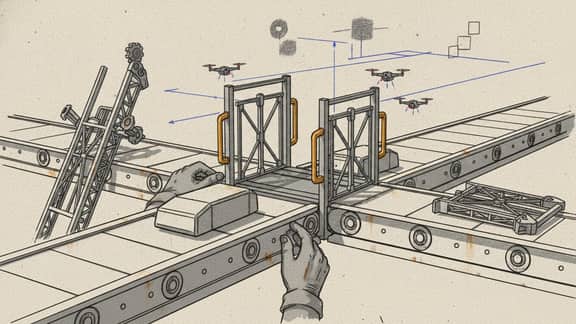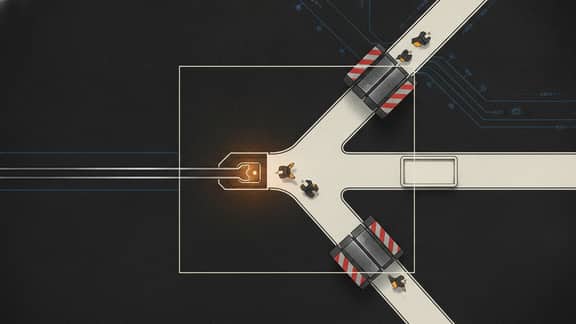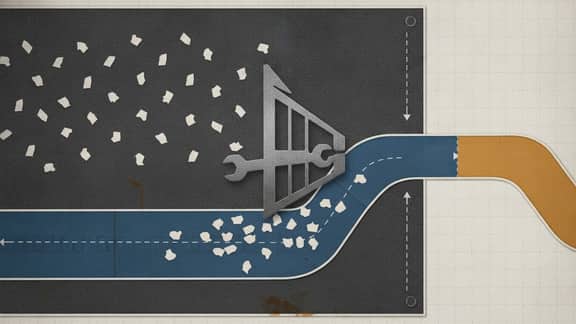
Recruitment workflow sprawl appears when the hiring team keeps adding tools around candidate flow instead of fixing the specific handoffs that still break every week.
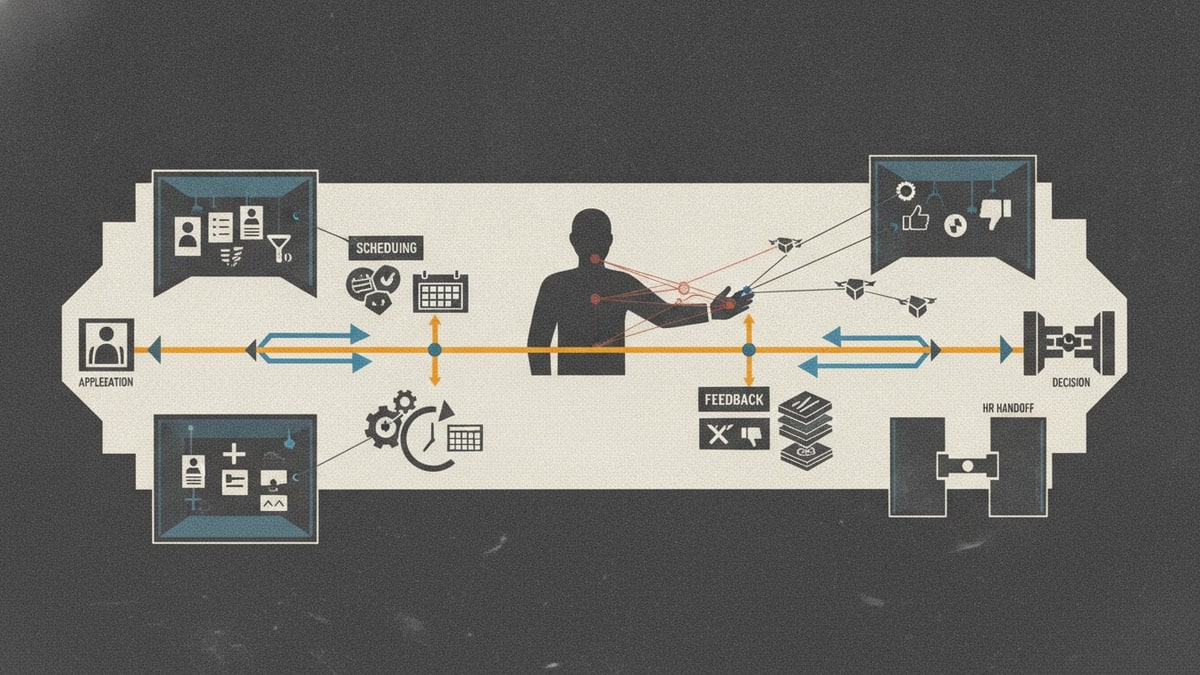
Applications, notes, scheduling, approvals, and status updates all matter. The trouble starts when each part lives in a different product or a bigger suite than the team actually needs.
Ashby's recruiting platform overview is a useful reference because it shows how many recruiting jobs now get bundled into one product story: ATS, scheduling, CRM, analytics, and AI.
What the sprawl feels like
The team feels it as slower screening, repeated follow-up, duplicate notes, and unclear ownership across hiring steps.
That is not just a recruiting-stack problem. It is a workflow-fit problem.
It is also a tool sprawl problem, because too many apps at work now own some part of the same candidate conversation.
Why safer scope matters here
Hiring records and process controls still matter. The safer move is to improve the candidate workflow surface around them.
That keeps the change practical and easier to defend.
What the broader stack cost looks like
The cost is not only licences. It includes rising SaaS costs, weaker SaaS visibility, and harder software consolidation when recruiting teams rely on too many software tools for one candidate journey.
That is why the pain shows up as duplicated notes and slower decisions long before finance calls it software sprawl.
The better question
Ask which specific hiring surface still causes the drag: intake, screening, scheduling, approvals, or review handoff.
That is where the replacement should start.
What to do next
Start with workflow ownership around one repeated hiring surface.
Once the team can name that path clearly, it becomes much easier to reduce recruitment workflow sprawl without turning hiring into a suite migration project.
Where to go next
If you are still comparing category options, continue with Best recruitment software. If the practical pain is front-end evaluation flow, continue with Candidate screening workflow: how to automate it.