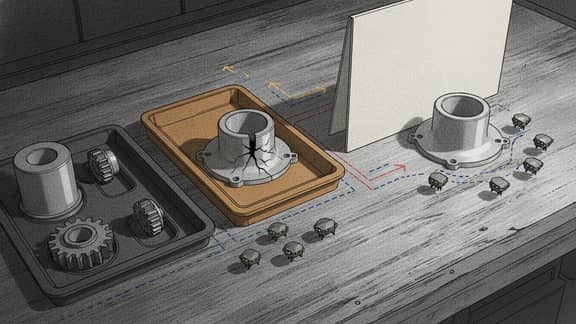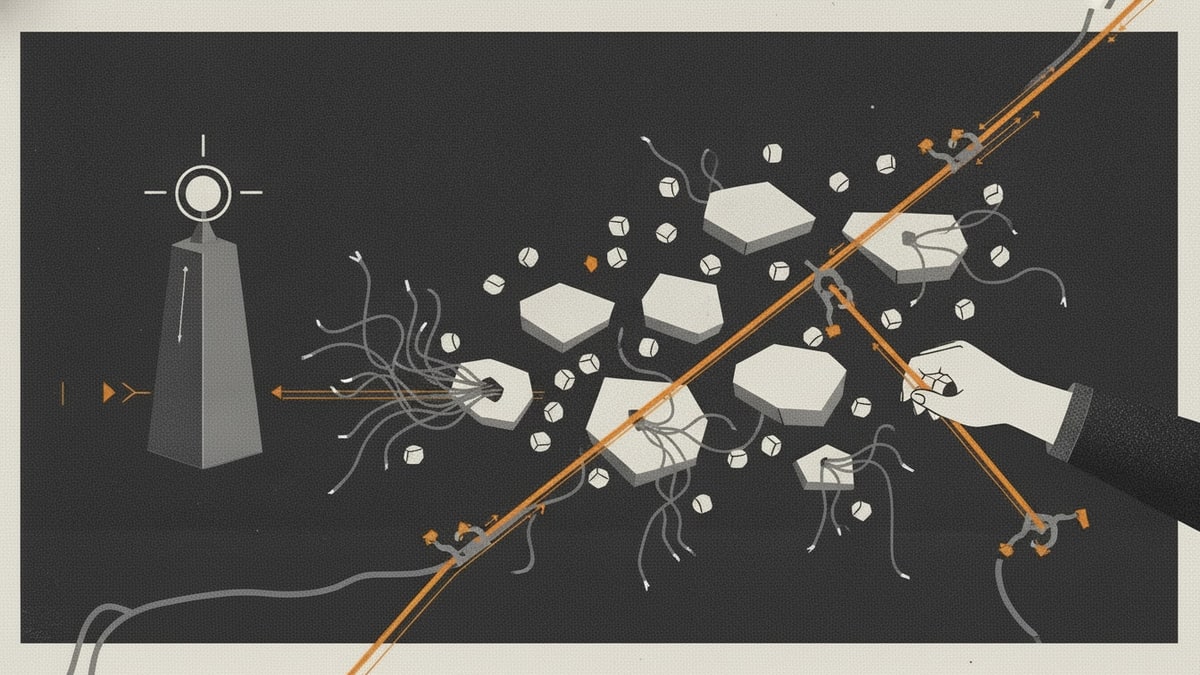
Support stack sprawl begins when the help desk still owns the customer ticket, but the work required to resolve it moves elsewhere.
An urgent ticket is copied into chat. A technical issue becomes an engineering task. A service interruption opens an incident channel. A refund waits in finance. An account risk is added to the CRM. A manager tracks the commitment in a spreadsheet. The customer-facing agent checks every surface because no single state explains who owns the escalation, what is blocking it, or when the customer will hear back.
Every product can be useful. The failure is the path between them.
That is why support teams can have excellent ticketing, communication, engineering, incident, CRM, and reporting tools while still escalating by memory. The organisation has plenty of software visibility at the application level and very little visibility at the workflow level.
The operating principle is not unique to support. Google’s incident-management guidance emphasises explicit roles, a recognised coordination point, a live incident state, and clear handoff. Atlassian’s escalation-policy guidance similarly treats escalation as a defined policy covering who is notified, when responsibility changes, and how severity, duration, type, and scope affect the path.
Customer support escalations are not all major incidents, but the same coordination lesson applies: escalation must create ownership and shared state, not merely another notification.
Why support stack sprawl hides in escalation
The frontline queue is usually visible. Escalation is where the workflow becomes ambiguous.
Consider one high-priority support request:
- A customer reports a problem through email, chat, voice, social, or an in-product messenger.
- The help desk identifies the customer, conversation history, entitlement, priority, and response target.
- The agent decides the issue needs another team.
- Context is copied into chat, an engineering issue, an incident tool, a CRM task, or an operational queue.
- The receiving team interprets severity using its own fields and priorities.
- The support agent asks for updates because the internal system does not drive the next customer commitment.
- Technical or operational work closes, but nobody is sure whether the customer problem is resolved.
- The agent reconstructs the outcome and closes the support ticket.
The help desk remains the customer system of record. The engineering tracker may correctly own product work. The incident platform may correctly own operational response. The CRM may correctly own the account.
Support stack sprawl appears because no workflow owns the transitions between those records.
The seven states hidden inside “escalated”
An escalation is not one status. It is a chain of decisions:
| State | Question the workflow must answer |
|---|---|
| Qualified | Does this issue meet an escalation rule, and what evidence supports that decision? |
| Routed | Which function, team, or responder owns the next action? |
| Acknowledged | Has that owner accepted responsibility within the required time? |
| Investigating | What is known, what is being tested, and when is the next checkpoint? |
| Decision pending | Is the team waiting for technical resolution, approval, exception, refund authority, or customer input? |
| Customer update due | Who owns communication, what can be said, and when must it be sent? |
| Resolved and verified | Did the internal work solve the customer’s problem, and is there durable closure evidence? |
Many support systems can represent some of these states. Problems arise when the organisation uses “escalated” as a single bucket and buys extra tools to compensate for everything that bucket fails to explain.
A notification product is added because acknowledgements are late. A project board is added because managers need status. A spreadsheet is added because customer commitments are missing. A dashboard is added because queues cannot be reconciled. A meeting is added because the dashboard still cannot explain the decision.
The resulting tool sprawl is a symptom of an undefined state model.
Where ownership breaks across the support stack
| Workflow moment | Trusted record | Where software sprawl appears |
|---|---|---|
| Customer intake | Help desk or customer-service platform | Duplicate conversations appear across email, chat, social, and CRM tasks. |
| Identity and entitlement | CRM, billing, subscription, or account system | Agents copy partial account context into tickets and internal messages. |
| Triage and severity | Support ticket | Priority is reinterpreted differently by support, engineering, operations, and management. |
| Internal handoff | Engineering, incident, finance, fulfilment, or operational system | A link is created, but ownership, acknowledgement, and expected response are not synchronised. |
| Investigation | Specialist work record | Support cannot see meaningful progress and repeatedly asks for updates. |
| Approval or decision | Owning operational system | Refunds, exceptions, credits, and risk decisions happen in chat or meetings without a durable rationale. |
| Customer communication | Help desk conversation | The person fixing the problem and the person updating the customer work from different state. |
| Internal closure | Engineering or operational record | “Done” means the internal task ended, not necessarily that the customer outcome was verified. |
| Support closure | Help desk ticket | The final explanation, decision, and evidence must be reconstructed from several systems. |
| Learning | Knowledge, problem, post-incident, or product record | Repeat causes and fixes are separated from the tickets that revealed them. |
This is why a useful software audit cannot stop at “which applications do we pay for?” It must trace one escalation through every handoff and show where state, ownership, evidence, and customer commitments diverge.
The real cost is not the help desk licence
SaaS costs are easy to see when they appear as subscriptions. Support software total cost of ownership is harder because much of it sits in recurring coordination.
Duplicate triage
Support classifies the request. Engineering classifies it again. Incident responders assign a separate severity. Account teams add their own customer risk. Each interpretation can be reasonable, but nobody owns reconciliation.
Status chasing
Agents interrupt specialists for updates. Team leads ask agents for summaries. Managers ask for a consolidated view. The same fact is rewritten for different audiences because no shared workflow state exists.
Context reconstruction
The receiving team lacks the reproduction steps, customer impact, entitlement, related incidents, prior actions, or expected communication cadence. It repeats discovery work while the customer waits.
Broken service clocks
The support SLA continues while internal teams use sprint priority, incident urgency, approval turnaround, or no explicit clock. Managers cannot tell whether a delay is a breach, a dependency, or an accepted tradeoff.
Duplicate closure
An engineering issue closes when code changes. An incident closes when service is restored. A finance task closes when a refund is processed. A support ticket should close only when the customer outcome is confirmed. Treating those events as equivalent creates reopened tickets and confusing reports.
Reporting reconciliation
Support response time, engineering cycle time, incident duration, customer health, and escalation volume sit in different products. Analysts join them after the fact, often through exports and spreadsheets whose assumptions are difficult to audit.
Administration and integration
Every extra queue adds permissions, fields, rules, connectors, notifications, retention, security review, training, and ownership. An integration that creates a task is easy. An integration that handles failed writes, duplicate records, reopened work, changed ownership, and historical traceability is not.
This is SaaS waste even when every licence is assigned. The waste is repeated interpretation, chasing, copying, reconciliation, and proof.
Why more automation can make the stack less trustworthy
Automation helps when it enforces an understood workflow. It creates false confidence when it moves incomplete state faster.
For example:
- a keyword marks a ticket urgent without considering entitlement or customer impact
- a bot creates an engineering issue but does not confirm that a team accepted it
- an AI summary removes the exact reproduction detail the specialist needs
- an internal status closes and automatically closes the customer ticket
- a chat notification fires, but nobody owns acknowledgement
- a scheduled reminder keeps sending after the decision has changed
- a dashboard reports resolution from one system while the customer ticket remains open
The problem is not whether AI or automation is used. The problem is whether the organisation can explain the trigger, decision, owner, failure path, human review boundary, and authoritative write-back.
Automation moves work. Workflow ownership governs the state transitions and consequences.
How to run a support software audit
Do not begin software stack rationalisation with a vendor inventory. Begin with a sample of real escalations: an ordinary specialist handoff, an urgent customer-impacting defect, a billing or refund decision, and a request that was reopened.
Trace each one end to end:
- Name the trigger. Record why the frontline agent could not resolve the request and which rule justified escalation.
- Mark trusted records. Decide where customer identity, conversation history, entitlements, engineering work, incidents, payments, and account data remain authoritative.
- Follow the context. Compare what the customer provided, what support captured, and what the receiving team received.
- Follow ownership. Identify the customer-facing owner, internal resolver, approver, and manager escalation at every state.
- Follow the clocks. Record response, acknowledgement, update, decision, and resolution commitments.
- Follow every channel. Include chat, email, meetings, spreadsheets, tickets, incident rooms, and informal direct messages.
- Test failure handling. Check unacknowledged work, rejected handoffs, unavailable owners, failed integrations, duplicates, and reopened requests.
- Compare closure. Determine whether specialist completion, service restoration, authorised action, and customer resolution are distinguished.
- Reconstruct the decision. Ask whether another qualified person can explain what happened without searching private messages.
- Assign one workflow owner. Give a named team responsibility for the cross-system escalation path even when specialist systems retain their records.
This produces better software visibility than a list of applications because it reveals why there are too many software tools around one customer outcome.
What software consolidation should remove
Software consolidation does not mean forcing customer conversations, CRM data, engineering work, incident response, payments, telephony, and knowledge into one enormous platform.
The safer target is duplicated coordination:
- escalation spreadsheets
- parallel priority fields with no mapping
- manual copying between tickets
- chat channels used as the only status record
- reminders with no acknowledgement state
- customer-update trackers separate from the ticket
- dashboards built from incompatible closure events
- recurring meetings whose purpose is status reconciliation
- one-off integrations with no visible retry or failure state
Keep the help desk when it reliably owns customer intake, history, communication, SLAs, and closure. Keep engineering, incident, finance, fulfilment, and CRM systems authoritative for their specialist records. Consolidate the operating loop that makes people reconcile them by hand.
That is application consolidation at the workflow boundary, not an unsafe attempt to make one product own the entire business.
When another help desk is the right answer
Another platform is appropriate when the service model itself has changed.
The organisation may need:
- mature omnichannel ticketing, quality, workforce, and reporting
- AI-first in-product support and automated resolution
- a human, relationship-led shared inbox
- CRM-connected service across the customer lifecycle
- technical service management tied to incidents, changes, assets, and engineering
- ecommerce support with order and refund actions
- customer-centric continuity across voice, messaging, and repeated interactions
Use a help desk software comparison when the system-of-record decision is genuinely open. Compare products on record model, channels, ownership, escalation, knowledge, AI handoff, ecosystem fit, governance, and total operating cost.
If the current help desk still holds the right customer record and the pain begins only when work leaves support, a platform migration may reproduce the same software sprawl in a different interface.
When a focused workflow is the better SaaS replacement
A focused SaaS replacement makes sense when the organisation can define a narrow escalation boundary:
- qualify escalation from an existing ticket
- classify severity and customer impact using explicit rules
- route to a named function or responder
- require acknowledgement within a defined time
- preserve the customer-facing owner
- expose investigation and decision state without copying specialist records
- track the next customer communication commitment
- escalate unacknowledged or overdue work
- distinguish internal completion from customer-verified resolution
- write the outcome back to the help desk
- retain one traceable history of ownership, decisions, and handoffs
These custom workflows should not become shadow help desks. They should reference the customer and ticket, request specialist work in the correct system, and return only the state needed to coordinate the customer outcome.
A practical decision test
Before buying, consolidating, or replacing anything, ask:
- Is the pain inside the help desk or after the ticket leaves it?
- Which customer records and channels would be risky to migrate?
- Can every escalation name one customer-facing owner and one internal resolver?
- Does the receiving team explicitly acknowledge the handoff?
- Are severity and priority interpreted consistently?
- Is the next customer update visible and owned?
- Can support see progress without interrupting the resolver?
- Are internal completion and customer resolution distinct?
- Can a reopened request reconnect to the original investigation?
- Can another person reconstruct the decision without searching chat?
- Would owning one escalation loop remove more work than replacing the help desk?
If the answers point to one cross-system handoff, own that workflow first. It is a smaller and more defensible form of SaaS cost reduction than a broad migration driven by frustration.
Where to go next
If the product decision is still open, continue with Best help desk software. If the practical problem is the escalation loop, continue with support ticket escalation workflow: how to automate it. If Zendesk is the platform under review, use Zendesk alternatives to decide whether to switch systems or keep the trusted support record and rebuild only the workflow edge.
The core lesson is simple: reduce support stack sprawl by making one escalation path legible. Keep trusted records stable, consolidate duplicated coordination, and give one accountable team ownership from initial handoff to customer-verified resolution.
Choose a discovery route
If interviews, source material, record ownership, controls, or migration need structured review, explore Deep Discovery. It can investigate whether to keep, integrate, migrate, or own records without presuming replacement is safe. Deep Discovery is currently available through a limited account-enabled rollout.