
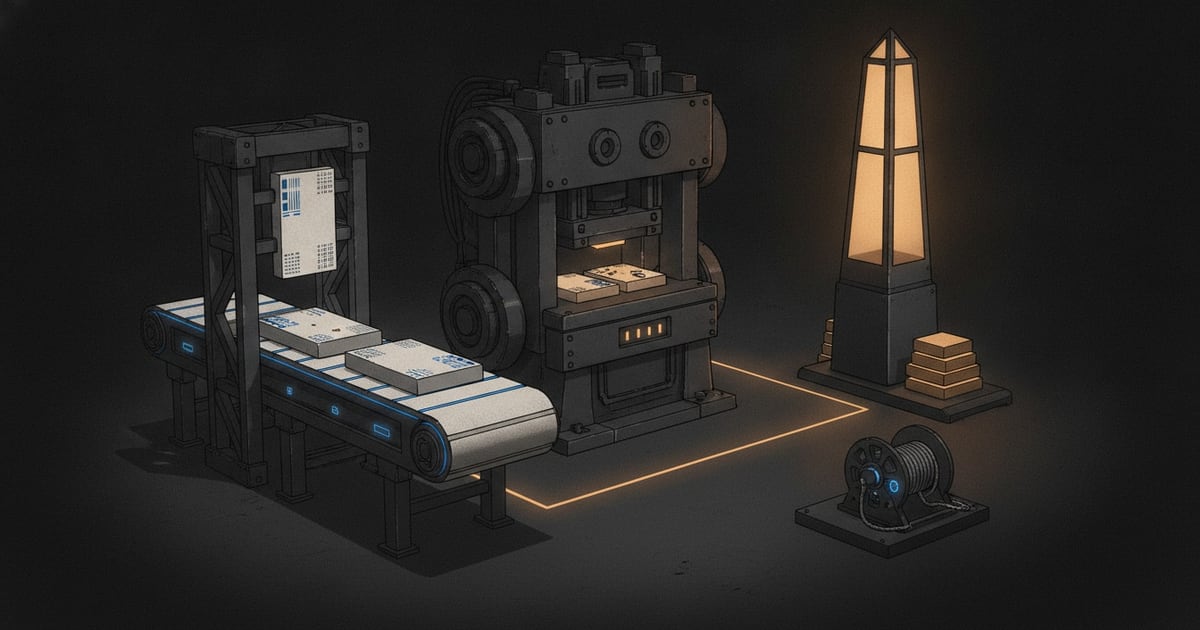
One-shot mode is the experienced alternative to interactive VS Code delivery. It prepares the repository, runs selected board tasks through the shared packet contract, syncs supported updates, and moves accepted work to done by default.
Choose it for a controlled, bounded terminal run. Use VS Code delivery when a person should guide each task through separate implementation, checking, and review stages.
If you prefer to start from VS Code, run SwarmCraft: Run One-Shot with CLI after the CLI is installed and signed in. VS Code launches the same swarmcraft one-shot command and records the manifest path in the SwarmCraft output channel.
Install and verify the CLI
You need Node.js 20.19 or newer, npm, Git, a local Git repository, a SwarmCraft account, and a supported AI agent command on PATH. Install the published package, then verify it:
npm install -g @swarmcraftai/cli
swarmcraft --help
Sign in without putting a password or step-up code in the command itself:
swarmcraft auth login --email you@example.com
From the intended repository, check the API, Git workspace, runtime, and agent provider:
swarmcraft doctor --workspace . --agent-provider codex
swarmcraft projects list
swarmcraft init --project <project-id> --workspace .
Use copilot instead of codex for GitHub Copilot CLI. Use managed only when the quote is shown and you deliberately choose Managed AI. Complete SwarmCraft Setup before installing this terminal tool.
During a run, the CLI prints task and stage progress. Agent output is written under:
.swarmcraft/runs/<run-id>/logs/
Start from a clean repository
Commit or stash unrelated changes first:
git status --short
The CLI refuses a dirty workspace by default because one-shot work may edit many files. Use --allow-dirty only when you intentionally want the run to start from existing local changes.
Run the board
Start with a limited run when you are proving a new customer setup:
swarmcraft one-shot \
  --project <project-id> \
  --workspace . \
  --agent-provider codex \
  --task-limit 1 \
  --max-agent-requests 6 \
  --commit-policy done
Run the full board after the first task proves the setup:
swarmcraft one-shot \
  --project <project-id> \
  --workspace . \
  --agent-provider codex \
  --max-agent-requests 100 \
  --commit-policy done
Use --agent-provider copilot for Copilot CLI. Use --agent-provider custom --agent-command '<command with {command}>' for a reviewed local wrapper, or --agent-provider managed for optional credit-funded Managed AI. Never put an API key in --agent-command.
Lane policies
The customer CLI one-shot policy is:
- implementation runs in
doing - checking is off
- reviewing is off
- completed tasks move to
done - no local commit is created unless
--commit-policy doneis supplied
Enable extra lanes only when an internal or customer run explicitly needs them:
swarmcraft one-shot \
  --project <project-id> \
  --workspace . \
  --agent-provider codex \
  --checking on \
  --reviewing on
--checking on runs the checking lane. With checking off, the driver ignores the implementation skill's normal checking handoff, syncs its evidence, and moves accepted work directly to done. --reviewing on stops accepted work in reviewing instead of moving it to done. --commit-policy done creates a local git commit for completed task changes.
Budgets and credentials
Limit the number of agent stages:
swarmcraft one-shot \
  --project <project-id> \
  --workspace . \
  --agent-provider codex \
  --max-agent-requests 100
If the selected agent writes cost telemetry, require and cap it:
swarmcraft one-shot \
  --project <project-id> \
  --workspace . \
  --agent-provider custom \
  --agent-command '<command with {command}>' \
  --agent-api-key-env-name MY_AGENT_KEY \
  --agent-env-file .env/agent.env \
  --require-cost-telemetry \
  --max-agent-spend-usd 25
The CLI passes only a restricted environment to the agent process by default. Use --agent-api-key-env-name when one explicit credential should be made available.
Customer-supplied Codex, Copilot, and custom providers use credentials and billing you manage outside SwarmCraft. Managed AI shows a credit estimate before the run and pauses before an unfunded call without discarding completed work.
Resume and status
Each run writes a manifest under:
.swarmcraft/runs/<run-id>/manifest.json
Check progress:
swarmcraft status --run <run-id> --workspace .
Resume after a failed command, terminal cancellation, or machine restart:
swarmcraft resume --run <run-id> --workspace .
Resume keeps completed tasks and restarts from the last safe incomplete task.
If the run reached its request ceiling, explicitly extend that ceiling while resuming:
swarmcraft resume --run <run-id> --workspace . --max-agent-requests 100
VS Code starts with a 100-request limit. Before launch it estimates the capacity required by unfinished tasks and the selected checking policy; when that estimate is higher, it asks you to approve the larger limit instead of starting a run that is expected to stop partway through.
Recovery
If SwarmCraft reports a stale revision, refresh the project board, inspect the packet, and rerun resume. A stale revision means the board changed after the packet was written.
If an agent stage fails, read the terminal output and the run manifest, fix local setup or agent credentials, then run resume.
If the repository has partial local changes, review git status --short before resuming. Commit, stash, or discard only changes you understand.
If a packet identity or lane mismatch appears, stop and inspect the packet frontmatter before editing the board. The CLI blocks these cases to avoid syncing the wrong task.
If credits stop a Managed AI run, add credits in Billing, then resume the same run. For broader setup, authentication, stale-revision, and delivery recovery, use Troubleshoot SwarmCraft.
Success check
Run swarmcraft status --run <run-id> --workspace ., inspect git status --short, and refresh the board. Completed tasks should have matching packet state and, when --commit-policy done was used, one reviewed local commit per completed task. Review those changes before deployment.
Support bundle
Collect a redacted support bundle when you need help diagnosing a run:
swarmcraft support-bundle --run <run-id> --workspace .
The bundle is written under:
.swarmcraft/runs/<run-id>/support-bundle/
It includes a redacted manifest, run id, selected policy, failed stage details, and artifact paths. Review the files before sharing them with support.
Continue with Review and apply generated changes.