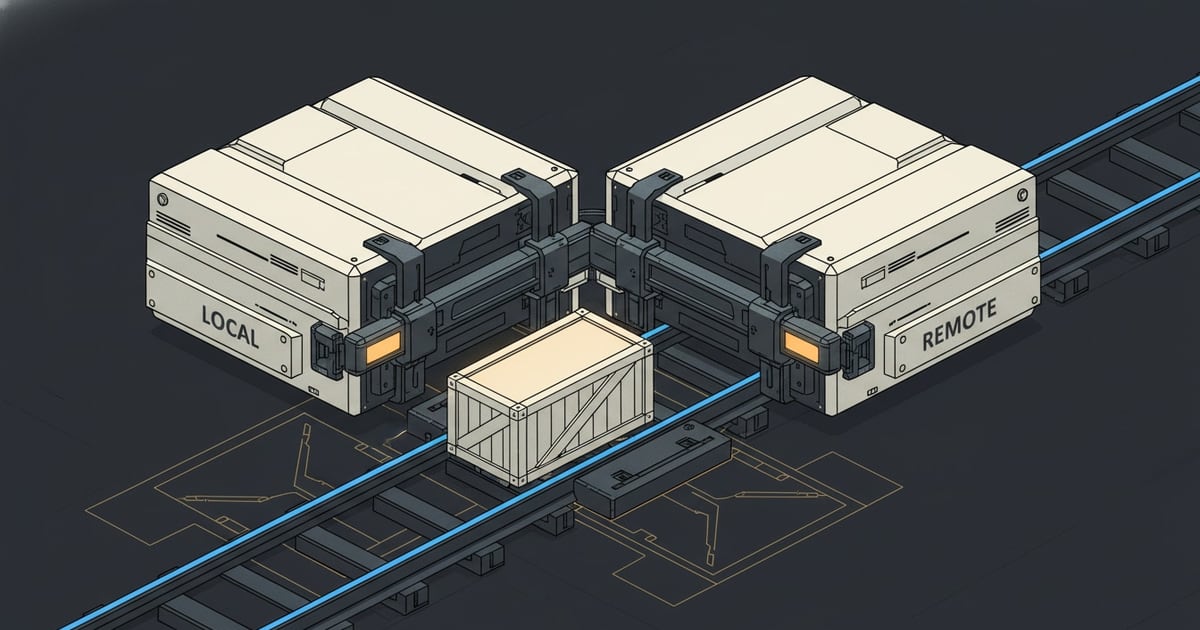
SwarmCraft uses Git for both owner-reviewed discovery and project delivery, but the two stages have different prerequisites.
GitHub, GitLab, Bitbucket, and similar platforms all work. If you do not already have an account with a Git provider, create one before continuing:
Choose whichever provider suits you or your team. The important part is that the repository is ready for a normal delivery workflow.
Minimum setup for Deep Discovery
To start Deep Discovery, the workspace only needs to be one trusted local Git repository. It does not need:
- a remote
- a first commit
- a protected default branch
- a clean working tree
The extension can offer to initialize Git locally. It checkpoints only allowlisted seed, review, or manifest paths and never stages raw sources or unrelated work.
Delivery repository setup
Before working an unlocked project, your delivery repository should have:
- a default branch your team protects and reviews against
- a clear README or project brief
- a
.gitignorethat keeps secrets, build output, and local state out of version control - a local clone on the machine where you will run VS Code and the SwarmCraft extension
Why the distinction matters
Deep Discovery needs owner-controlled version history while knowledge is reviewed. Delivery adds packet files under .swarmcraft/projects/ and changes application code, so normal team branch, review, remote, and deployment practices become important at that point.
Good practice
Keep secrets and generated credentials out of both discovery and delivery commits. A selected but untracked or ignored Deep source can be packaged, but Git will not back it up automatically.
When the repository is ready, move to Download VS Code and install SwarmCraft.