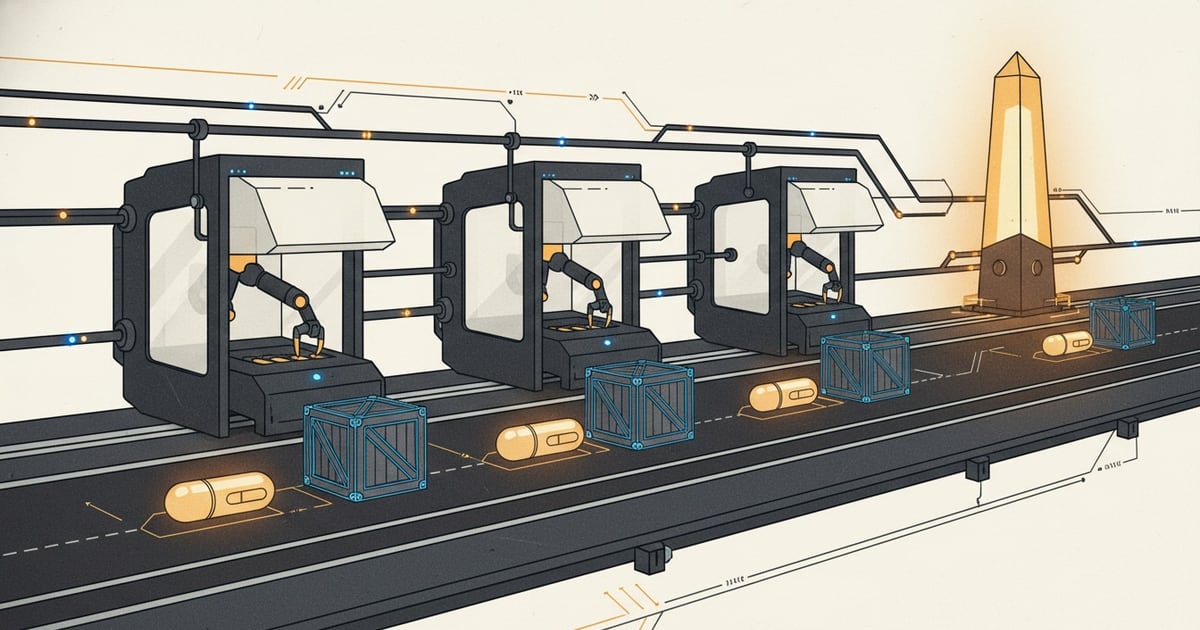
Once the board is unlocked, the work becomes a repeating cycle: choose the next task, create or open the packet, implement the change, and move the task forward with evidence.
The basic loop
- Start with the next task in the board.
- Create or open the linked packet file.
- Use the copied stage command to guide your AI or coding workflow from the linked packet.
- Update checklist items, notes, and agent updates as the work moves.
- Run the app and validate the change before promoting the task.
Keep changes tied to the task
The more closely the code, notes, and checklist stay aligned with the task, the easier it is to review the work and understand what changed.
Do not skip verification
SwarmCraft is strongest when every task move reflects real evidence. Run the relevant checks for the change and record anything the next reviewer needs to know.
From here, continue with Use the project board and Review and apply generated changes.
Return to How SwarmCraft works for the full path from discovery through deployment and continued source ownership.